Trades · 5 min read
A burst pipe does not wait for a slow page. Here is how a plumber website gets the emergency call instead of losing it to the next result.
French Press Labs · Updated
The short answer
A plumber website books emergency calls when it loads fast on a phone, puts a tap-to-call button at the top of every page, says plainly that you answer after hours, shows the cities you cover, and gives proof you are real. The visitor is stressed and standing in water. Every extra step loses the job.
In this article ›
What is the visitor doing when they find you?
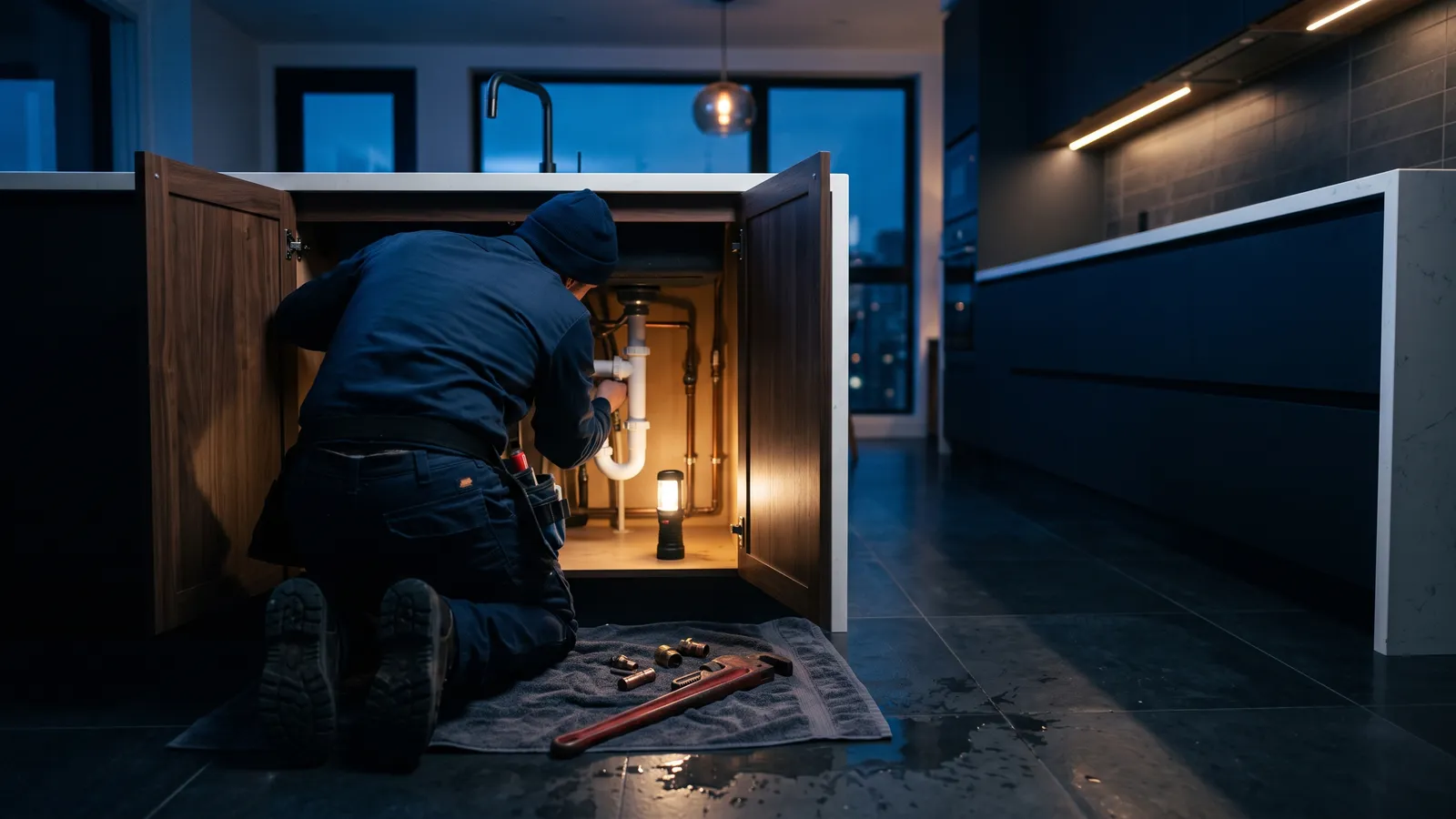
Picture the search. A pipe under the sink has let go, or the water heater is leaking into the garage. The homeowner grabs a phone, searches "emergency plumber near me," and taps the first few results that look credible.
They are not reading. They are scanning for three things: can this business come now, do they cover my area, and how do I call. If your page answers those in the first screen, you get the call. If it opens with a slideshow and a paragraph about your values, they go back and tap the next result.
So design for one hand, one thumb and no patience.
What belongs in the first screen on a phone?
The top of the page on a phone is the most valuable space you own. For an emergency plumber it should hold:
- A tap-to-call button. Big, high contrast, and sticky so it stays visible while scrolling. Use a real
tel:link so it dials in one tap. - A plain promise you can keep. "Answering now for emergency plumbing in Long Beach and nearby cities." Only say 24/7 if a person or a system really picks up at 3 a.m.
- Your service area. A short list of the main cities, not a vague "and surrounding areas."
- One trust line. Your license number, years in business, or your review count, whichever is strongest and true.
Everything else, like your story, your full service list and the team photo, can live lower on the page.
Why does page speed matter so much for plumbers?
Emergency searches happen on phones, often on weak signal in a basement or a garage. A heavy page with large images, a video background and five tracking scripts can take long enough that the visitor gives up.
Keep pages light. Compress images, avoid autoplay video, and test the site on a real phone over a normal cell connection, not office Wi-Fi. Google's free PageSpeed Insights tool shows what slows a page down. Fixing the biggest items there is usually cheap compared with the calls a slow page loses.
Which pages does a plumber website actually need?
A single homepage cannot rank for everything a customer searches. Plumbers usually need a small set of focused pages:
- An emergency plumbing page. When you answer, how fast you aim to arrive, what you can fix on the spot.
- One page per main service. Drain cleaning, water heaters, leak detection, sewer lines, repiping. Each says what the job involves and where you do it.
- City pages for the areas you really serve. Each with something specific to that city, not the same text with the name swapped. Our guide on city pages that don't get flagged as spam covers how.
- A reviews or proof page. Real customer words, real photos of real jobs.
- A simple booking or quote page for planned work.
This structure is what most of our plumber website builds start from. It gives Google, and AI assistants, a clear page to match each search.
How do you show proof without a wall of badges?
Trust is the deciding factor in an emergency. The customer is about to let a stranger into the house. Give them reasons, but keep them honest and specific.
- Your license number, with a note on how to look it up with your state board.
- Photos of your actual trucks and crew, not stock images of smiling models.
- Recent reviews that mention the kind of job the visitor needs, like a slab leak or a weekend call.
- What happens after they call. "We confirm the address, give an arrival window, and text when the tech is on the way."
That last point is underrated. Telling people what happens next lowers the fear of calling.
What happens when nobody picks up?
This is where many plumbing websites quietly lose money. The site works, the visitor calls, and the call goes to voicemail because the crew is under a house. Most people do not leave a message. They call the next plumber.
You have a few options. You can route after-hours calls to an on-call phone. You can use an answering service. Or you can add an automatic text that goes out the moment a call is missed, asking what is going on and whether it is urgent. We explain how that works, including consent and opt-outs, in missed-call text-back explained.
Whatever you choose, make sure the website does not promise more than your phones can deliver.
How do AI assistants fit into emergency searches?
More people now ask an assistant instead of searching. In BrightLocal's Local Consumer Review Survey (February 2026), 45% of consumers said they use AI tools like ChatGPT to find local businesses.
An assistant can only recommend you for emergency work if your site and profiles say clearly that you do emergency work, where and when. Consistent hours matter a lot here. If your Google profile says you close at 5 p.m. and your site says 24/7, the assistant has to guess. Our piece on why AI gets your hours wrong covers the fix.
You can see what assistants say about you today with our free AI visibility check.
Where should you start this week?
Pull up your own site on your phone, on cell data, and pretend your kitchen is flooding. Time how long it takes to find the call button and confirm you serve your own city. Then fix what slowed you down, in this order: the call button, the emergency promise, the service area, the speed.
If you want a site built around the call from the start, see how we approach websites for plumbers, or reach out through our contact page and we will take a look at what you have.
Frequently asked questions
- Should a plumber website show prices?
Show what you can stand behind. A clear trip or diagnostic fee, or a statement of how pricing works, builds trust. Exact job prices are hard to publish because every job differs, so explain how you quote instead.
- Do I need a separate page for emergency plumbing?
Yes. Someone searching for an emergency plumber wants proof you answer after hours. A dedicated page that says when you answer, where you go and what happens next does that better than a line on the homepage.
- Is a contact form enough for emergency jobs?
No. Emergency customers call. Keep the form for planned work like water heater replacements, and make the phone number the main action on every page, especially on a phone screen.
- What if I can't answer every call at night?
Be honest about your hours on the site, and set up a backstop. Missed-call text-back or an AI agent can collect the details and flag true emergencies to whoever is on call.
Related
Published October 2, 2026 · Updated October 2, 2026